Beautiful post screenshots
in one click
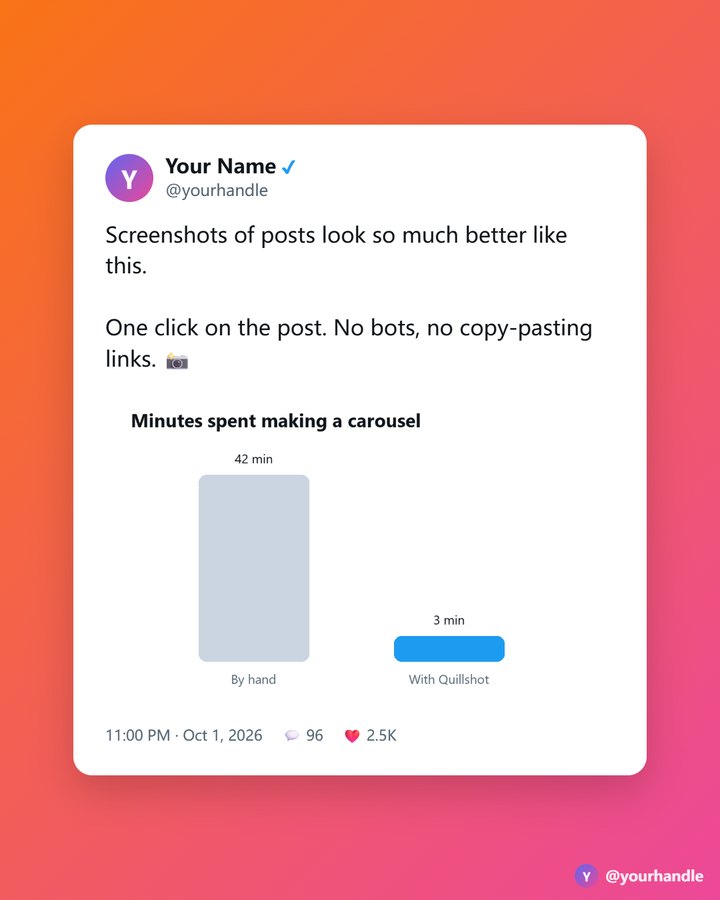
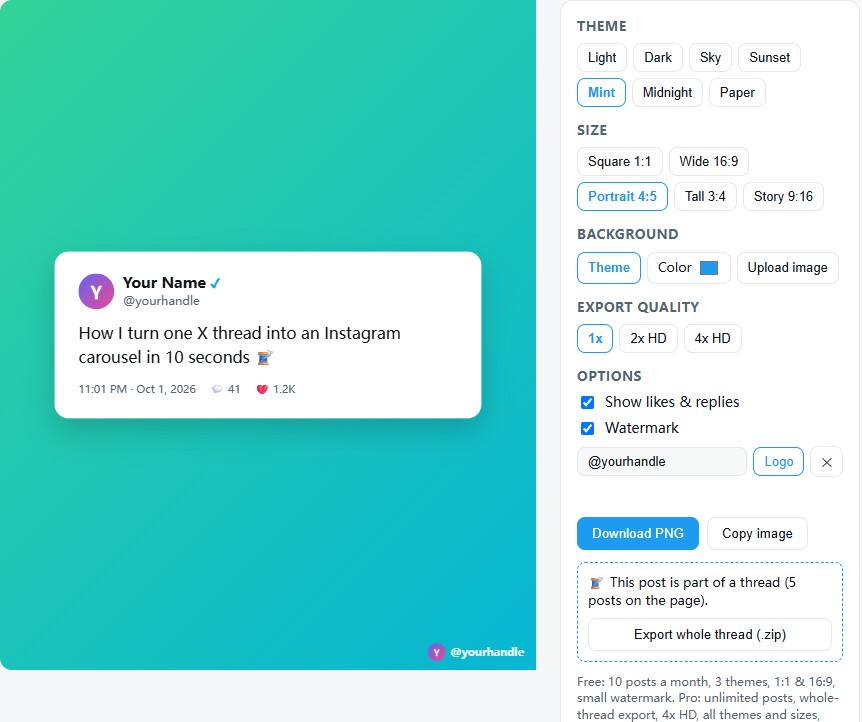
Quillshot adds a camera button to every post on X. Click it, pick a style, download. Turn a whole thread into a carousel for Instagram or LinkedIn in seconds.
Made for people who share posts every week
Turn a whole thread into a carousel
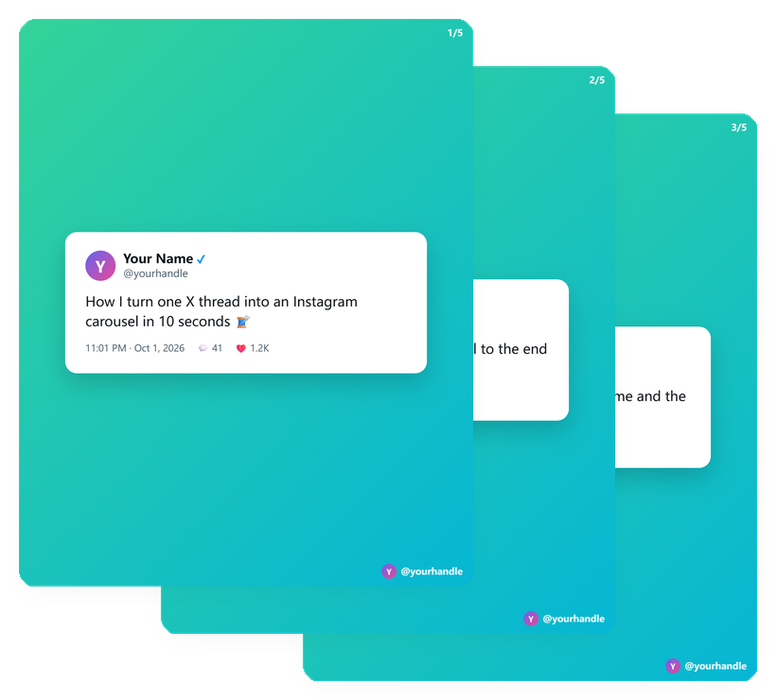
Open a thread, click the camera on the first post and export every post as a numbered slide — all in one zip, ready for Instagram, LinkedIn or a deck.
Your handle and logo, not ours
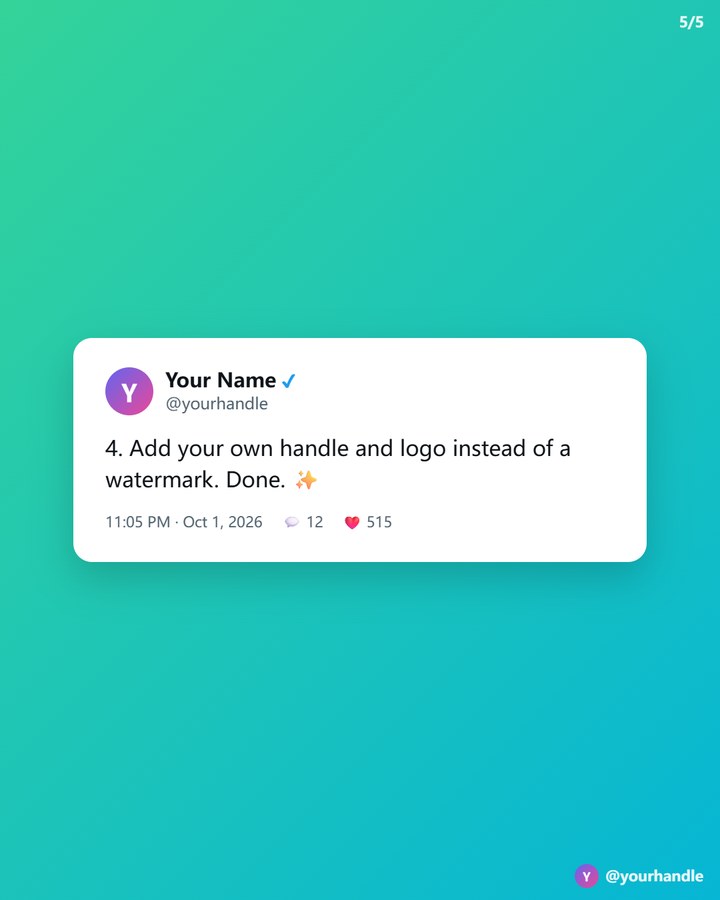
Replace the watermark with your own name, handle or logo, so every image you share points back to you.
Backgrounds, themes and 4x HD
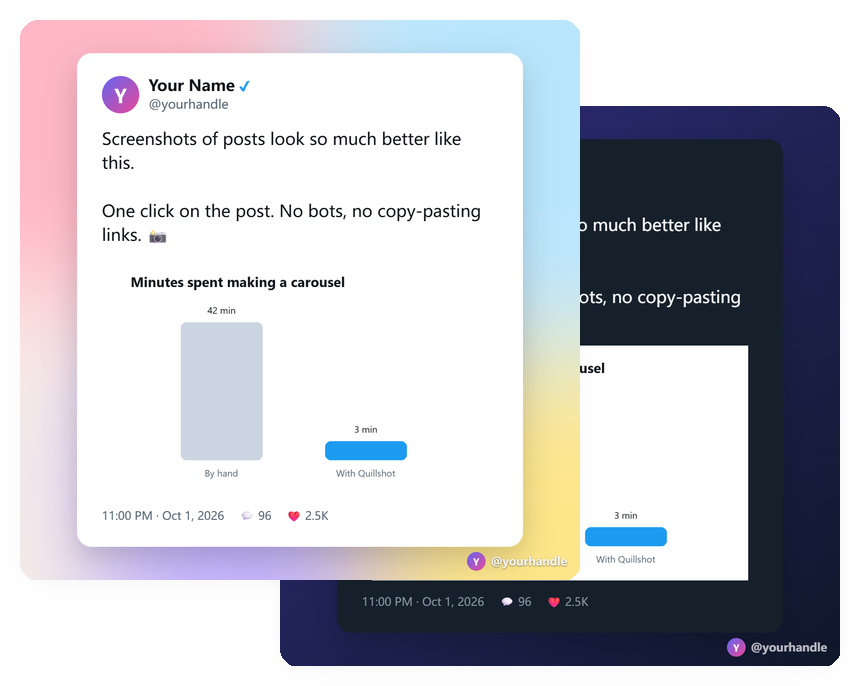
7 themes and 5 sizes from square to story, your own color or background image, and exports up to 4320 × 4320 pixels.
Everything in one simple panel
Long posts, quoted posts, photos and lists all fit automatically. Download a PNG or copy it straight to your clipboard.
Simple pricing
Free
- 10 posts a month
- One click on any post
- 3 themes, square and 16:9
- Download PNG or copy image
- Small "Made with Quillshot" mark
Pro Monthly
- Unlimited posts
- Whole thread → carousel slides
- 4x HD export
- All 7 themes and 5 sizes
- Your own color or background image
- Your handle and logo as the watermark
- Hide likes and replies
- Cancel anytime
Pro LifetimeBest value
- Unlimited posts
- Whole thread → carousel slides
- 4x HD export
- All 7 themes and 5 sizes
- Your own color or background image
- Your handle and logo as the watermark
- Hide likes and replies
- Pay once, no renewals
Questions
Do I need an account?
No. Install the extension and click the camera button on any post on x.com.
What is a thread export?
A thread is a series of posts the author wrote as replies to themselves. Quillshot turns the posts loaded on the page into numbered slides (up to 25) and downloads them together as one zip. Scroll to the end of the thread first so every post loads.
How does Pro work?
After checkout your license key arrives by email. Paste it into the Quillshot Pro box in the editor and click Activate. One key works on up to 3 computers at a time.
Monthly or lifetime?
Monthly is $3.99 and you can cancel anytime yourself: open quillshot.app/manage (or the link in your receipt email), sign in with your purchase email and cancel in one click. Lifetime is a single $24 payment with no renewals.
What if it's not for me?
Email [email protected] within 14 days of purchase for a full refund.
Is Quillshot made by X?
No. Quillshot is an independent tool and is not affiliated with or endorsed by X Corp.